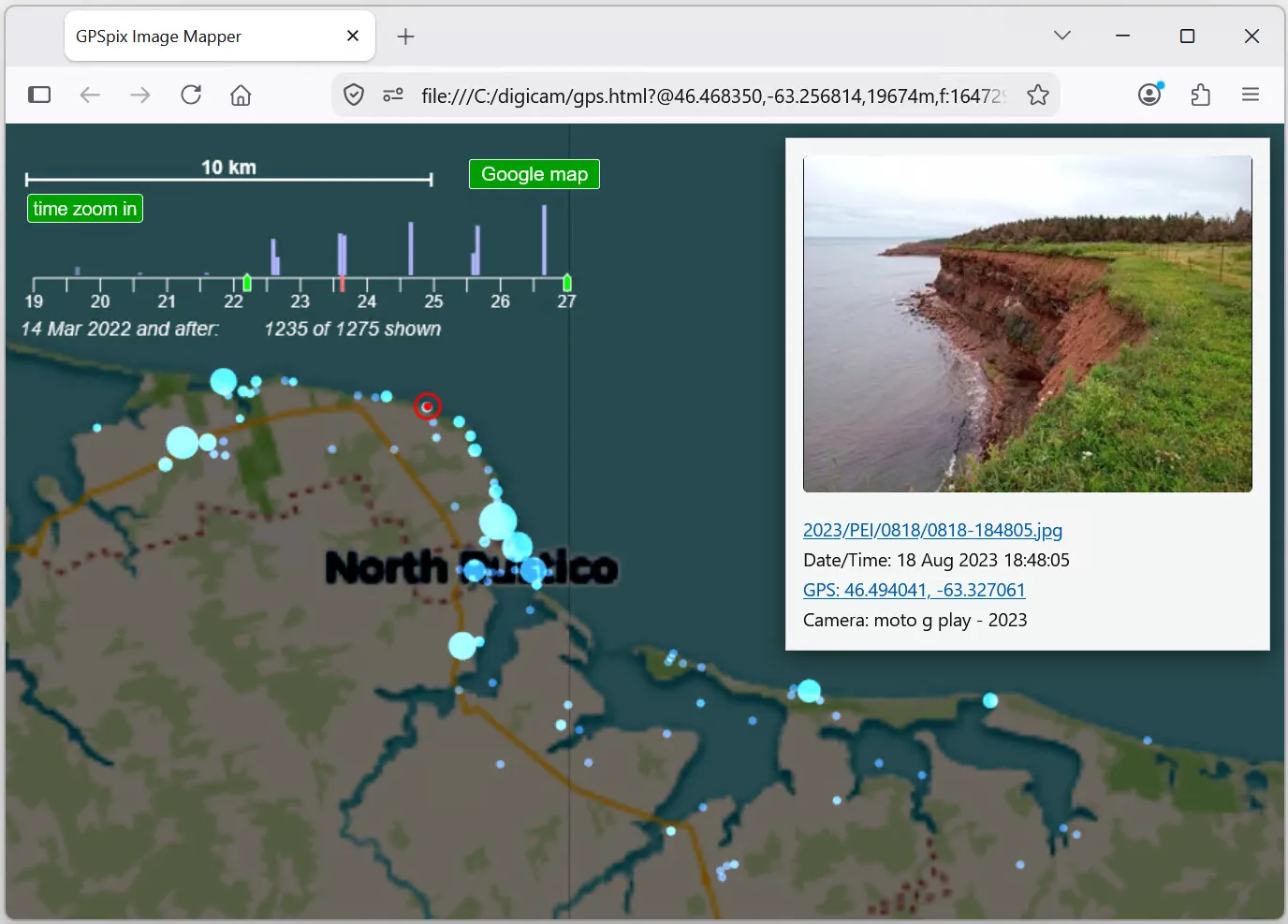
 GPSpix is a HTML/javascript program that you run locally on your machine to browse your photos on a map. No software installation necessary.
You can see how GPSpix works by browsing a set of very low res photos on trails along the St John river near Fredericton
Browse a demonstration photo set
Map data from OpenStreetMap
Only photos with GPS coordinates in the metadata will be shown on the map. To preserve metadata, its best to download photos directly off your mobile device, or use something like DropBox. Emailed photos tend to have GPS metadata stripped as of mid 2026, and any copies of photos shared through any social media will have all metadata, including GPS coordinates stripped out.
Run gathergps.html to index your photos on your computer and view them on a map on your computer.
More about GPSpix on my github at:
https://github.com/Matthias-Wandel/gpspix
